
PYHRMS · HR management software

People operations, minus the paperwork.

PYHRMS brings employee records, attendance, leave, payroll inputs and appraisals into one system — set up around your policies, so HR spends less time chasing spreadsheets and more time on people.

  • Core HR
  • Attendance & leave
  • Payroll inputs
  • Self-service
  • Records

    Core HR

    One record per employee — profile, documents, role, reporting line and history.

  • Time

    Attendance & shifts

    Check-ins, shift rosters, overtime and regularisation requests.

  • Time off

    Leave management

    Leave types, balances, holiday calendars and approvals that follow your policy.

  • Payroll

    Payroll inputs

    Attendance, leave and adjustments compiled for payroll, with payslips employees can download.

  • Growth

    Performance

    Goals, self-reviews, manager reviews and appraisal cycles.

  • Talent

    Hiring & onboarding

    Openings, candidates, offers and onboarding checklists for new joiners.

  • Employees

    Employee self-service

    Employees apply for leave, view payslips and update details without emailing HR.

  • Insights

    Reports

    Headcount, attendance, leave and attrition reports for HR and leadership.

Modules

Everything HR runs on, in one place.

Start with the modules you need today and switch on more as you grow.

The employee lifecycle

From offer letter to farewell.

Every stage of an employee's journey lives in the same system, so nothing gets re-typed or lost between teams.

  1. / recruitment

    Hire

    Track openings and candidates, then send offers.

  2. / joining

    Onboard

    Collect documents and run joining checklists.

  3. / day to day

    Manage

    Attendance, leave and payroll inputs, day to day.

  4. / performance

    Grow

    Goals, reviews and appraisal cycles.

  5. / offboarding

    Exit

    Resignations, clearances and final settlement inputs.

Built for everyone

One system, three views.

HR, managers and employees each see what they need — and nothing they shouldn't.

HR teams

Run HR from one dashboard.

Policies, records and approvals in one place instead of spread across spreadsheets and inboxes.

  • Configure leave, attendance and holiday policies
  • Keep employee records and documents up to date
  • Compile payroll inputs at month end
  • Run appraisal cycles and track progress
  • Pull reports for leadership in minutes
PYHRMSPeople first.

One system for HR, managers and every employee.

The PyHRMS app

HR in your pocket, one tap away.

Everything employees and managers need day to day, on the phone they already carry.

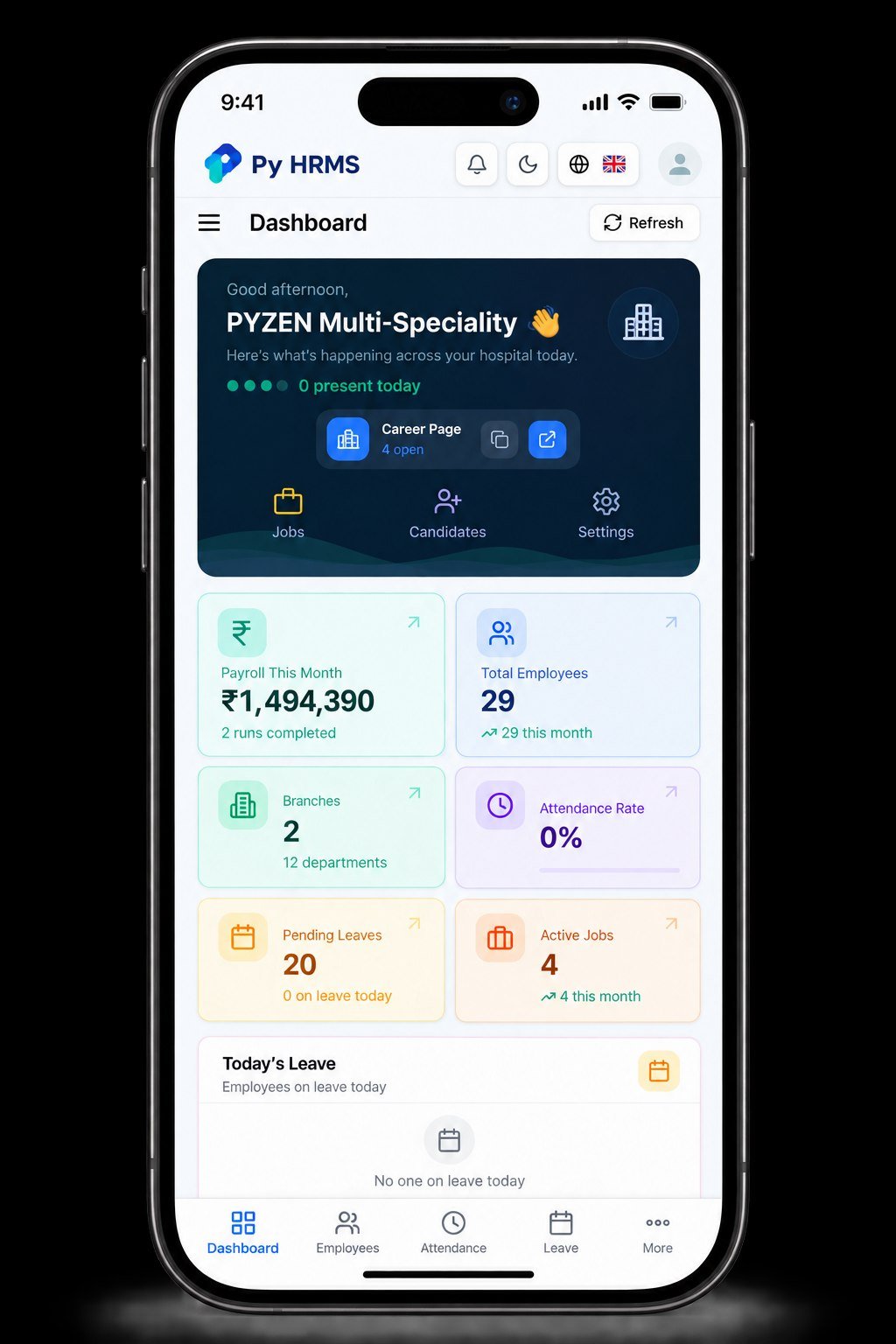
Py HRMS Mobile Dashboard

Your whole HR picture, in your pocket.

Payroll, headcount, branches, attendance, pending leave and open jobs on one phone screen — with quick actions for jobs, candidates and settings.

  • At-a-glance stat cards
  • Today's leave and bottom-bar navigation

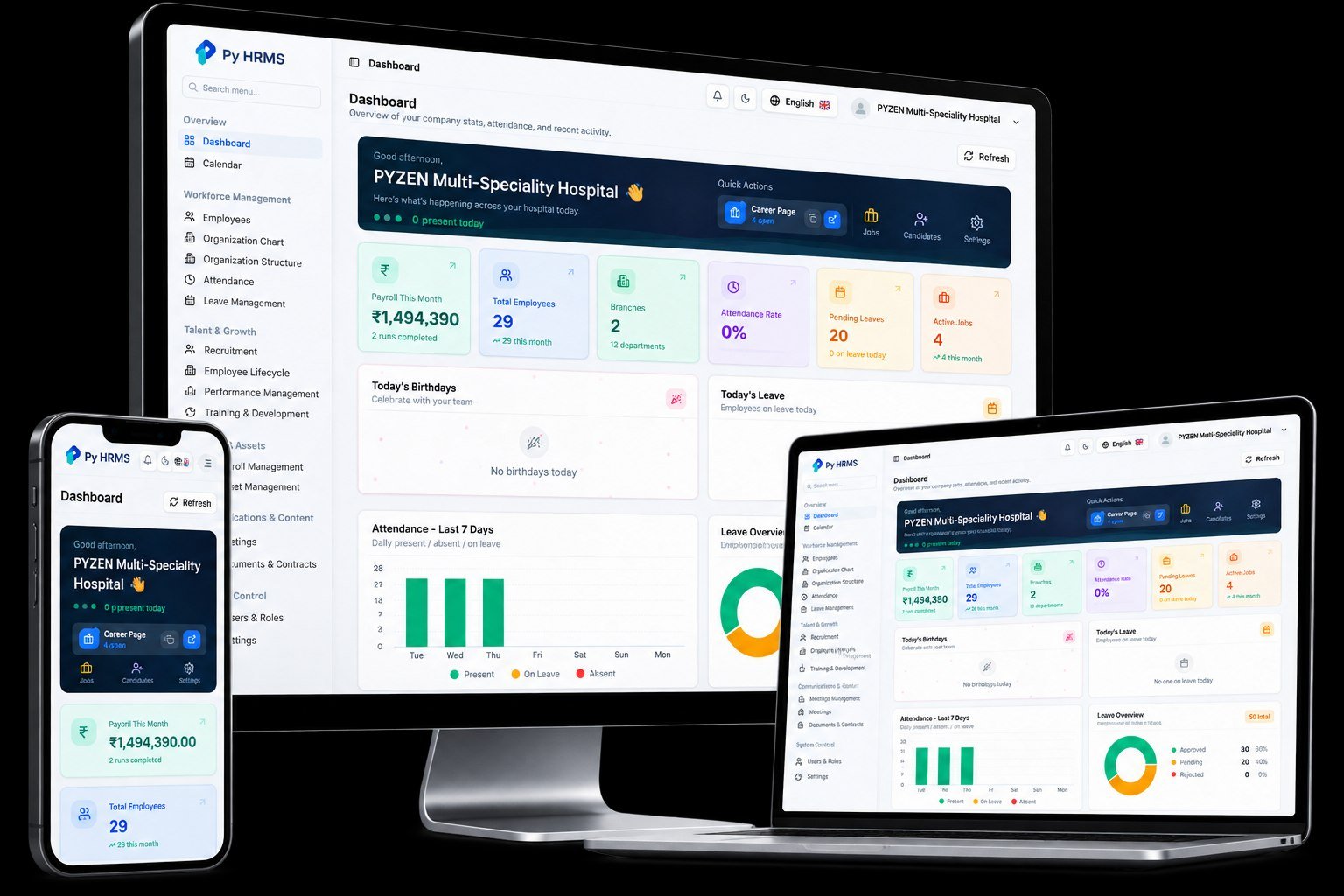
Py HRMS Dashboard Device

One dashboard, built for every device.

The full HR dashboard on desktop with the side menu for every module — and the same view on laptop and phone.

  • Workforce, talent and finance in one menu
  • Birthdays, today's leave and attendance charts

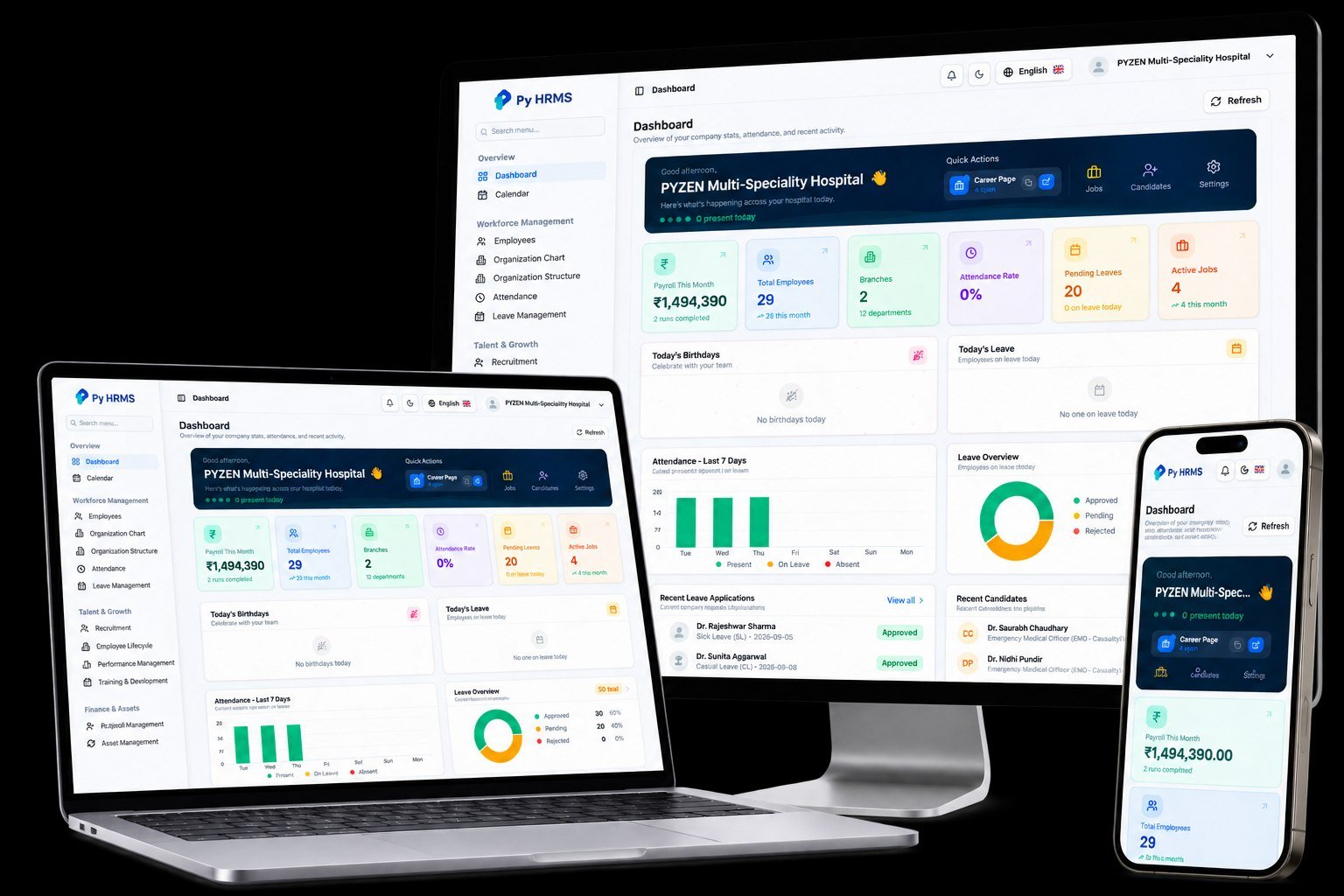
Py HRMS Multi-Device Dashboard

Start on one screen, finish on another.

Desktop, laptop and phone stay in sync, so HR, managers and employees always see the same up-to-date data.

  • Leave overview and recent applications
  • Recent candidates in the hiring pipeline

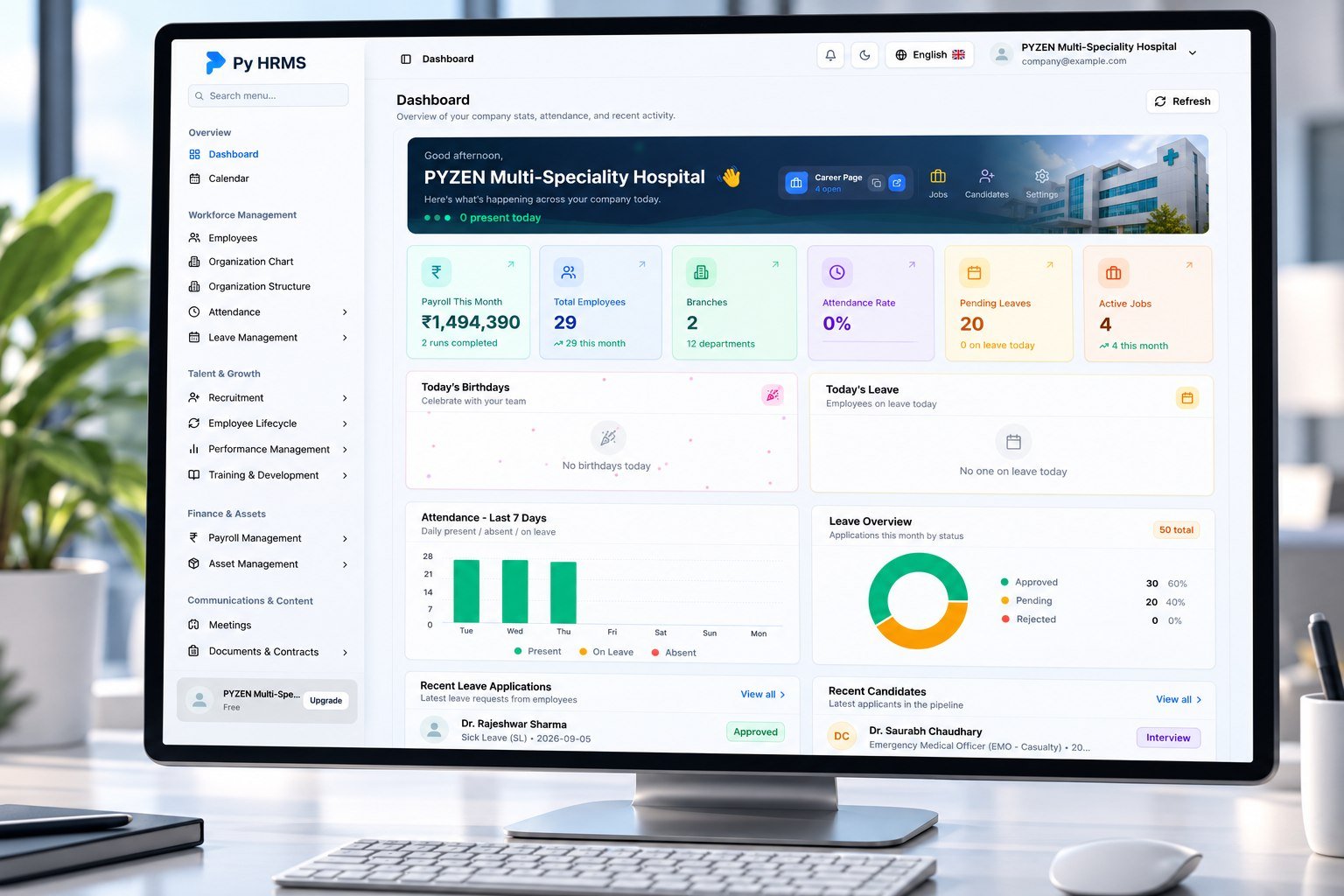
PYZEN Hospital HR Dashboard

HR for a multi-speciality hospital.

PyHRMS set up for a hospital — staff, departments, shifts, leave and hiring for medical teams, all on one screen.

  • Attendance for the last seven days
  • Leave approvals for doctors and staff

Fits how you work

Set up around your policies.

Every organisation runs HR a little differently. PYHRMS is configured to your rules rather than forcing you into someone else's.

How we roll it out

From your policies to go-live.

A guided rollout, checked with your HR team at every step.

  1. Map your policies

    We review your HR policies, approval flows and reporting needs.

  2. Move your data

    Employee records and balances come across from your current sheets or system.

  3. Configure and test

    Modules, rules and integrations are set up and checked with your HR team.

  4. Train and go live

    HR, managers and employees learn the system, then we stay on for support.

PyHRMS in action

One dashboard, every screen.

Real PyHRMS screens — the same HR dashboard on phone, laptop and desktop, here set up for a multi-speciality hospital.